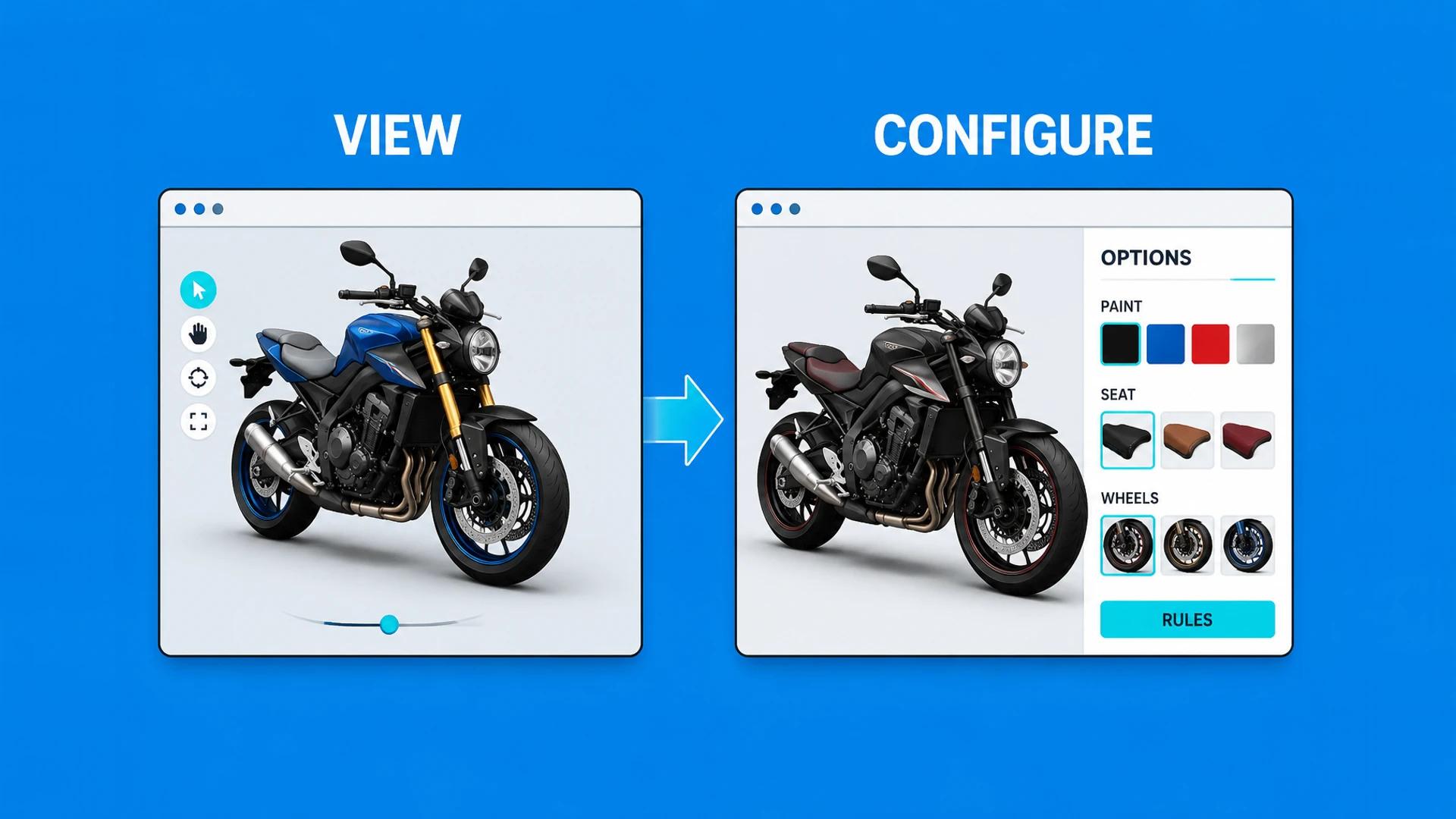
They solve different jobs
A 3D viewer is designed to help someone inspect a product. It can replace a gallery of fixed angles with rotation, zoom, close detail, and hotspot explanations.
A 3D configurator is designed to help someone make a selection. The visitor changes finishes, parts, dimensions, or versions and receives a result that can support inquiry, quoting, or purchase.
Viewers prioritize browsing and understanding
Configurators prioritize selection and a usable result
Viewers usually hold a presentation state only
Configurators manage options, rules, and a configuration outcome
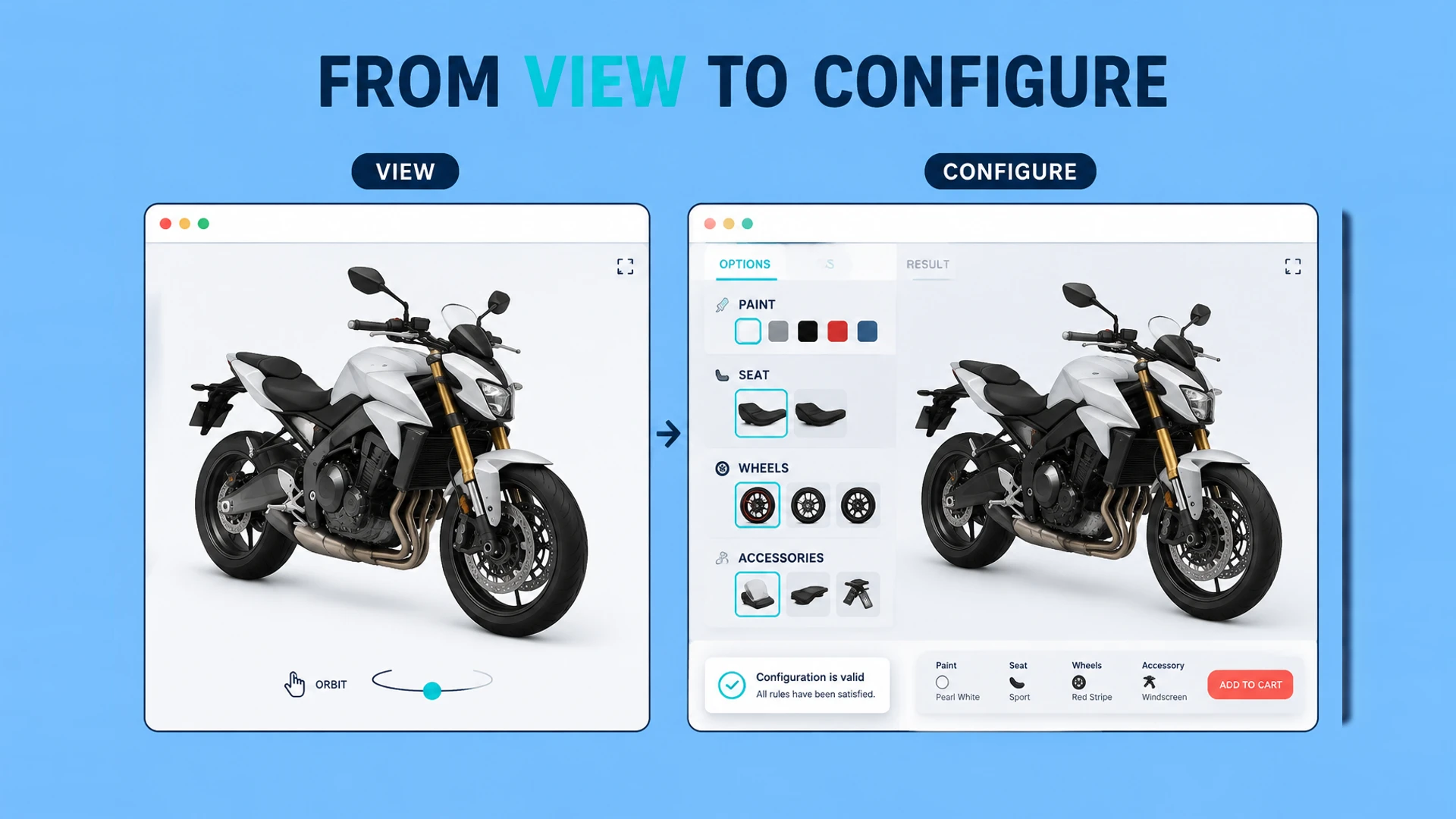
Where the project scope expands
Once a selection changes available options, SKU, price, lead time, or order data, the work is no longer only a visual frontend task. The team must define product data, rule ownership, and the destination of the configured result.
That does not mean every configurator needs an ERP or commerce integration. Many B2B projects first pass a configuration summary and buyer details to a sales team for manual quoting.
Option dependencies and exclusions
SKU or quotation-rule mapping
Saving, sharing, or exporting configurations
Connection to forms, CRM, Shopify, or internal tools
Compare delivery responsibility before comparing features
The interface may look similar on day one, but the ongoing work is different. A viewer needs approved visual assets and content updates. A configurator also needs product owners to maintain option data, rules, commercial mappings, and exception decisions.
| Project question | 3D viewer | 3D configurator |
|---|---|---|
| What changes after launch? | Models, hotspots, copy, and camera views | Assets plus options, rules, codes, prices, and handoff logic |
| Who should approve updates? | Marketing or product content owner | Product, sales, and technical owners together |
| What should be tested? | Loading, interaction, and visual accuracy | Viewer checks plus valid paths, invalid states, and output data |
| Typical first outcome | Better product understanding | A qualified inquiry, quote, or cart-ready selection |
Budget should therefore be compared against the business outcome, not only the number of 3D interactions. If a configuration replaces repetitive sales work or prevents invalid selections, the additional data and rule work has a clear purpose. If it does not, a focused viewer may return value sooner.
Choose the right starting point
If the main goal is stronger product presentation and brand perception, a 3D viewer may be the better first step. If buyers must understand combinations, request quotes, or hand a selection to sales, plan for a configurator.
Few options with no business impact: begin with a viewer
Options create a specific product solution: consider a configurator
Complex rules without automated quotation: begin with an inquiry configurator
Direct sales required: evaluate configuration, SKU, inventory, and checkout together
Use this table to define the project boundary
| Dimension | 3D viewer | 3D configurator |
|---|---|---|
| User task | Inspect, rotate, and understand a product | Select an executable product solution |
| Product data | Model, materials, and presentation content | Options, codes, rules, prices, and delivery data |
| Output | Current presentation state | Configuration summary, inquiry, quote, or order |
| Main owners | Marketing or content team | Product, sales, engineering, and development teams |
| Typical next step | View details or contact the brand | Submit configuration, request a quote, or add to cart |
If visitors only need to inspect a fixed product from different angles, a viewer is enough. If a choice changes the product structure, price, or delivery conditions, plan the configurator data and business flow together.
Use a simple decision path
Start with the buyer task rather than a preferred technology. A viewer is appropriate when the visitor needs confidence in one defined product. Move to a configurator when the visitor must choose between meaningful alternatives and the business needs to retain that choice.
- Does the visitor need to change the product, or only inspect it?
- Does that change affect what can be sold, quoted, or delivered?
- Can the business provide approved option data and rule ownership?
- Is there a clear next step for the completed selection?
If the answer to the first two questions is no, start with a viewer. If the first two are yes but data ownership is not ready, use a small proof of concept or an inquiry-led configurator for one product line. Direct checkout is the right next step only when mapping, price, inventory, and fulfillment are sufficiently stable.
Starting with a viewer can be the right decision
Some products have very few options and mainly suffer from poor visual communication. A viewer can validate model quality, mobile performance, and user response faster. Once the option structure and sales flow are clear, expanding into configuration rules is usually more predictable.
Ready to turn these principles into a project plan?
We can review your product structure, option logic, and target market to define a practical delivery scope and launch priority.