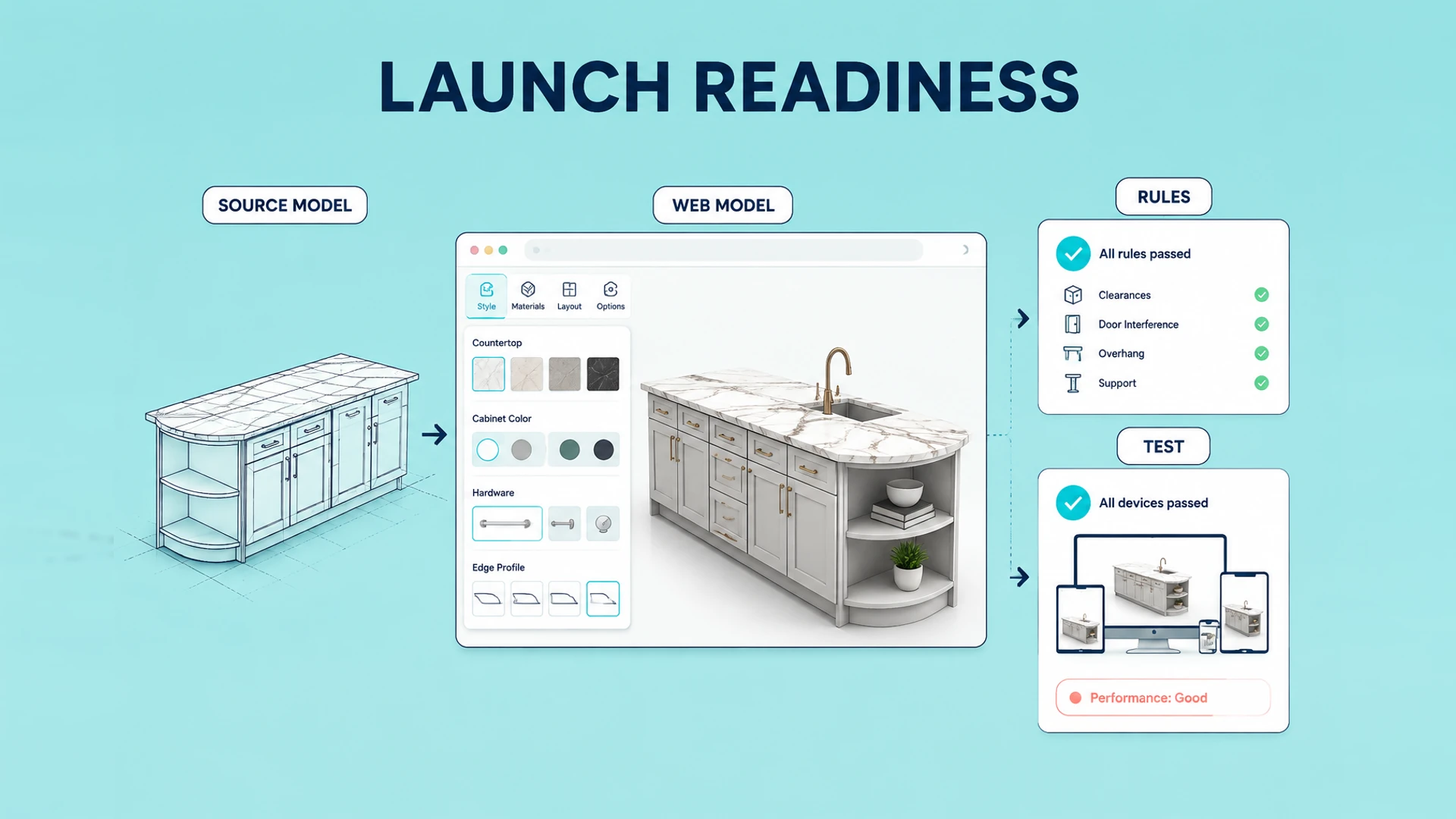
Create one source of product truth
A frequent source of delay is not development but conflicting names, codes, and restrictions across departments. Before building, identify the product information source that everyone can confirm against.
It does not need to be perfect on day one, but it should state the approved name, option range, and owner for every product, module, and option.
Product models, versions, and applicable markets
Lists of finishes, materials, parts, dimensions, and accessories
Images, models, or textures for each selectable item
SKU, price, lead-time, or sales notes
The team responsible for maintenance and approval
Assign owners and a change process
The project needs more than a shared folder. Name the person who can approve a product name, rule, price-related mapping, visual asset, and handoff field. For each item, record the source, owner, reviewer, effective date, and the change that requires a retest.
| Delivery item | Accountable owner | Change that must be reviewed |
|---|---|---|
| Product and option catalog | Product team | New model, option, or product code |
| Rules and compatibility | Product or engineering team | Dependency, exclusion, or default change |
| Price and commercial mapping | Sales or commerce team | Price, SKU, tax, or market change |
| 3D assets and brand presentation | Marketing or design team | Model, texture, camera, or copy change |
| Inquiry and system handoff | Sales operations or IT | Form field, CRM, cart, or order change |
This does not require a complex governance system. It prevents a common launch problem: a visual update, data change, and sales process update are all made separately, leaving the configurator unable to represent the approved product.
Turn sales knowledge into executable rules
Many important rules live only in the experience of sales or engineering teams: a size may not work with a finish, or an accessory may only be available on a premium version. These decisions need to become conditions the project team can review and test.
Start with rules that affect purchasing and delivery. Edge cases can follow in later releases.
Which configuration should be recommended by default
Which options must appear together
Which options cannot appear together
Which choices affect price, SKU, or lead time
How incompatibility should be explained to the buyer
Agree on handoff before launch
The intended user of a configuration result determines what needs to be output. Website inquiry, dealer use, and Shopify checkout each require a different handoff, so define it before interaction design begins.
What the buyer does after configuring
Which buyer and configuration data sales receives
Whether saved links, PDFs, or configuration sheets are needed
Who maintains new products and rules
Which measure determines whether the first release works
Confirm whether 3D assets are web-ready
Having a model file does not mean the model is ready for the web. For each product, record its format, polygon count, material count, texture resolution, units, coordinate system, and component structure. Also identify which parts need to switch independently.
At minimum, prepare an asset register covering:
| Asset | What to confirm |
|---|---|
| Source model | Format, units, scale, coordinates, hierarchy, and usage rights |
| Web model | Existing GLB/glTF, polygon count, file size, and mobile suitability |
| Materials | Color, roughness, metallic, normal maps, and texture rights |
| Scene assets | Floor, lighting, background, camera views, and brand direction |
| Product data | Models, option codes, prices, inventory, lead times, and markets |
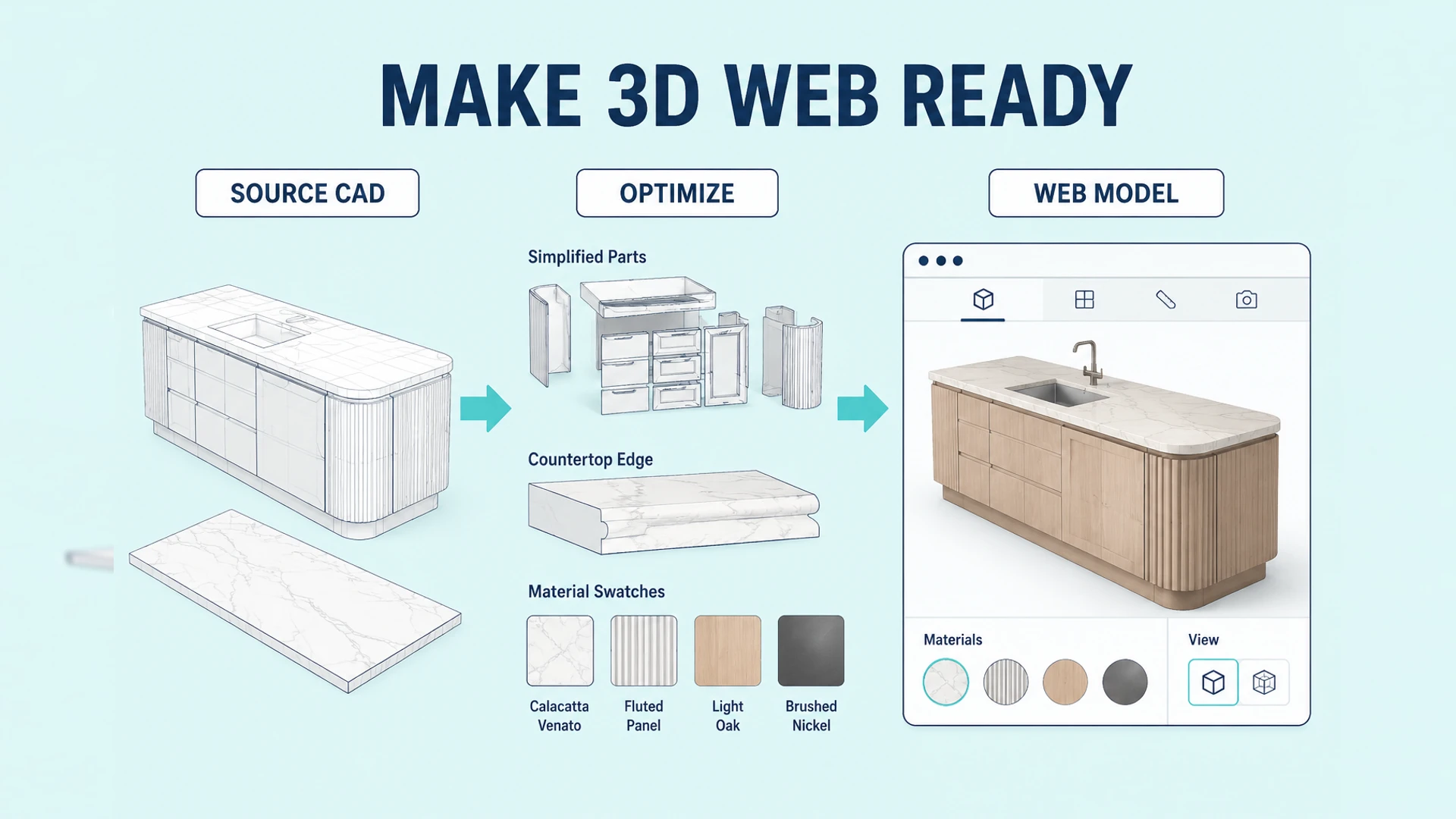
If usable models do not exist, list modeling, part separation, optimization, and material production as separate work items instead of hiding them inside frontend development.
Prepare a production-ready data template
Give every selectable item a row or record before development begins. A usable template connects the buyer-facing label with stable data and the visual asset needed to represent it. It should make missing inputs visible before they become implementation blockers.
Product and option IDs, labels, market, and language
Parent product or module, display order, default value, and availability
Rule references: requirements, exclusions, and affected options
SKU, price status, lead-time impact, and sales notes where applicable
Model node, material, texture, image, or other visual reference
The template becomes the starting point for both rule review and asset production. Do not wait until the interface is complete to find that an option has no valid code, no approved texture, or no business owner.
Define acceptance before the build
In addition to “the page is live,” specify which configuration paths the representative product must support, which invalid combinations must be blocked, what sales receives after submission, and what mobile loading and interaction targets apply. Specific acceptance criteria keep later revisions measurable.
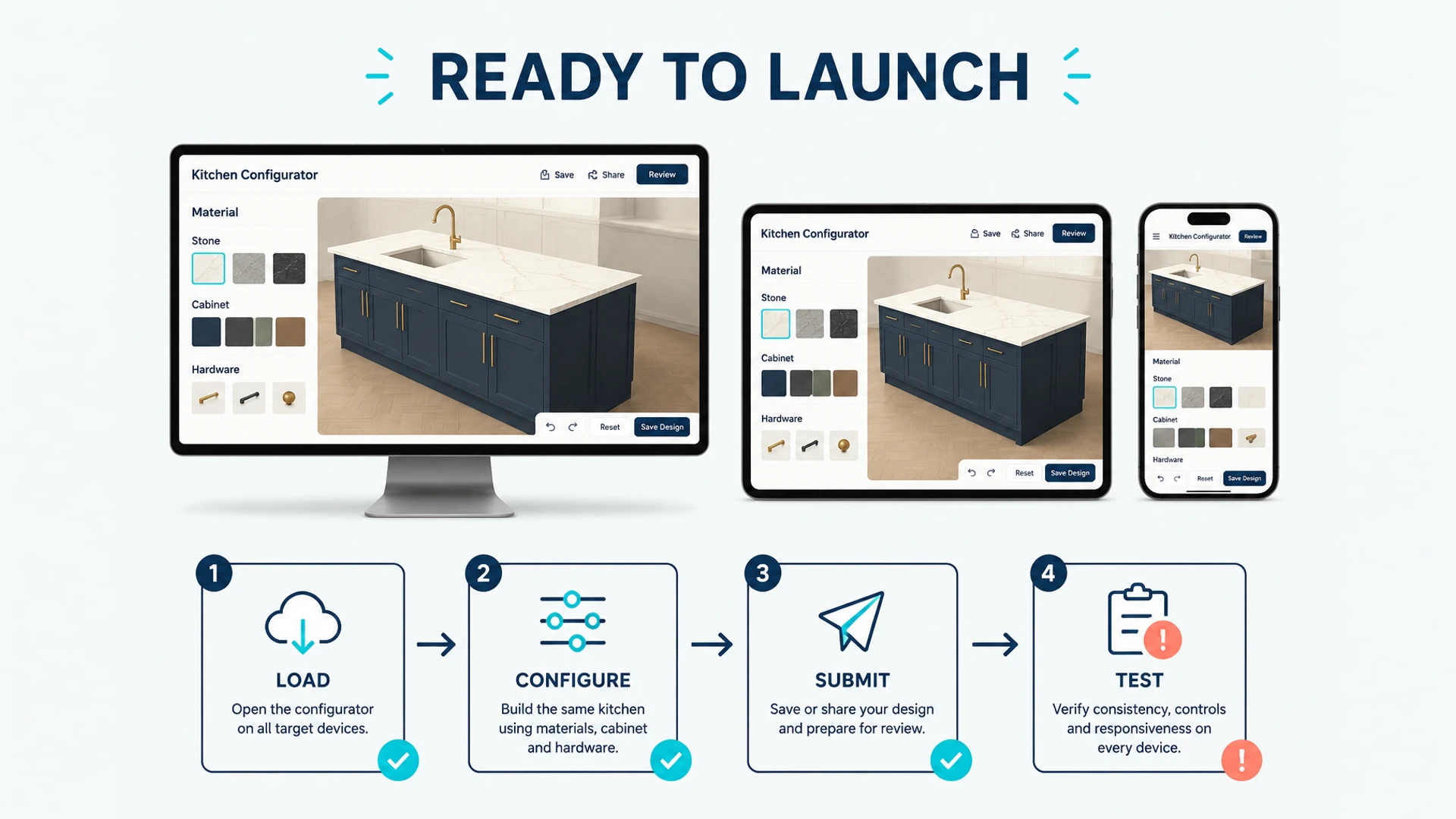
Test complete business paths before launch
Acceptance should cover the handoff as well as the interface. Agree on representative cases early so every team tests the same expected result.
| Test path | What to verify |
|---|---|
| Default configuration | Initial state, labels, and recommended selections are correct |
| Valid custom selection | 3D appearance, rules, codes, and summary agree |
| Invalid combination | The blocked choice and explanation are understandable |
| Quote or order handoff | Sales, CRM, cart, or order record receives the same configuration |
| Mobile and recovery | Loading, interaction, submission, and error messaging work on supported devices |
Document the expected configuration summary for each path, including the option codes and relevant price or lead-time status. This makes acceptance auditable and gives future product updates a practical regression checklist.
Ready to turn these principles into a project plan?
We can review your product structure, option logic, and target market to define a practical delivery scope and launch priority.