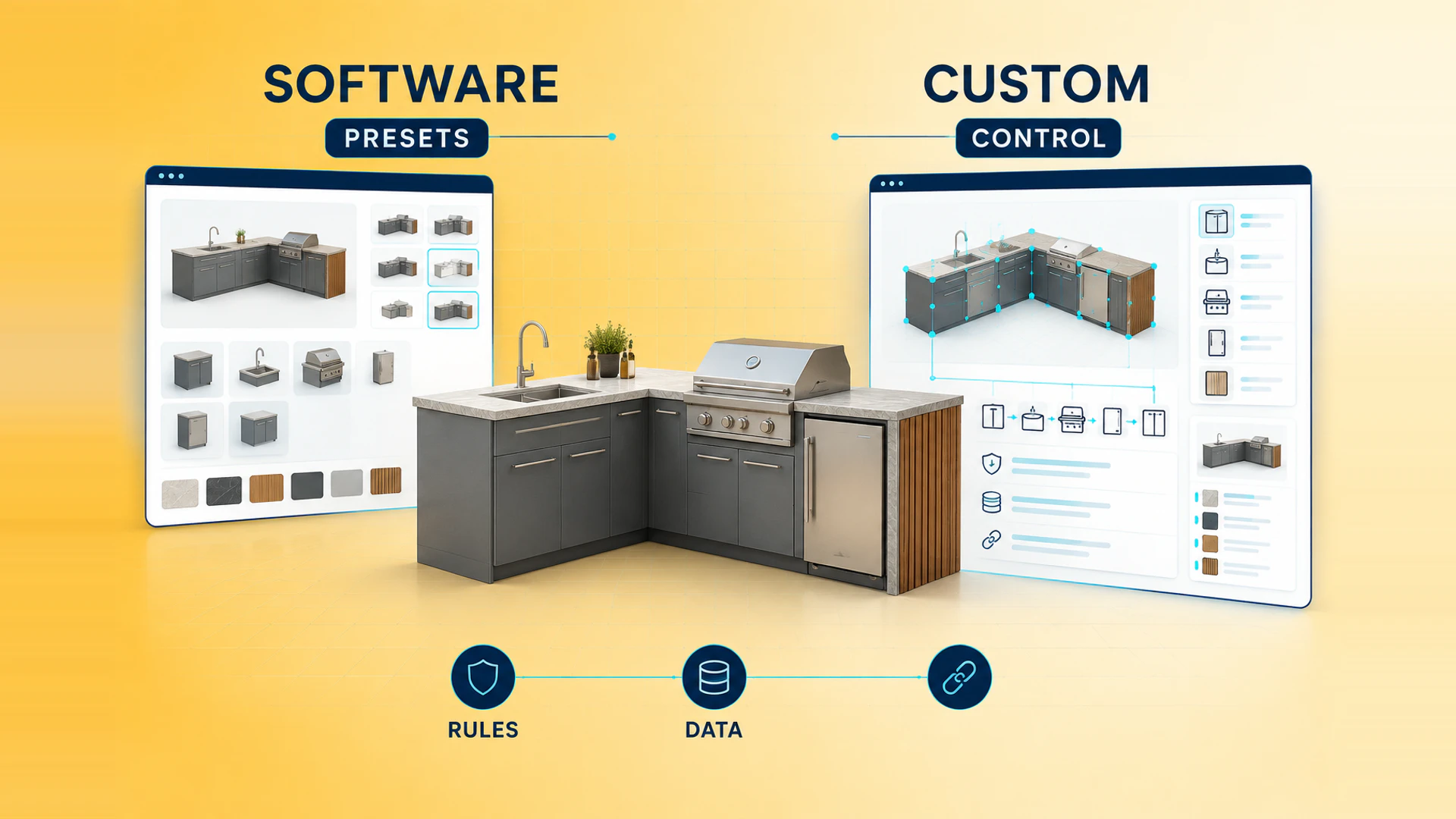
Choosing between 3D configurator software and custom development is a product and operations decision, not only a technology decision. A standard platform may launch quickly, while a custom build can fit complex rules and business workflows more precisely. The right choice depends on what the configurator must represent, who will maintain it, and what happens after a customer finishes a configuration.
What 3D configurator software usually provides
3D configurator software normally bundles a visual editor, option controls, a hosted runtime, and a set of commerce or lead-capture features. It can be a practical way to test demand when the product catalog is small, options are stable, and the expected customer journey is close to the platform's standard model.
The main benefit is a shorter path to a first release. A business can start with a limited product family, use an existing interface pattern, and avoid building every administration feature from scratch. Standard software can also make sense when the team wants a contained experiment before investing in a broader product data and integration model.
The important qualification is fit. A demo that changes a color does not prove that the platform can represent dependent dimensions, component-level materials, unavailable combinations, dealer quotations, or a reliable order payload. Test a real product with real rules before treating a feature list as evidence.
When standard software is a sensible fit
Software is worth shortlisting when most of these conditions are true:
- The product has a limited number of stable options.
- Valid combinations can be expressed using the platform's built-in rule model.
- The brand can work with the platform's interface and page structure.
- The configuration result can map cleanly to a cart, quote, or inquiry.
- The internal team can maintain products, prices, materials, and rules without constant engineering support.
For example, a product with a few finishes, sizes, and accessories may not need a fully custom application. A standard tool can help the business validate whether visual selection improves engagement or inquiry quality before extending the experience to more product families.
When custom 3D configurator development is a better fit
Custom development becomes more appropriate when the configurator must reflect the business's actual product system rather than a generic option picker. Strong signals include:
- Modules have dependencies, exclusions, connection points, or dimensional constraints.
- A material or finish applies differently across product components.
- The result needs a configuration ID, bill of materials, quote summary, or dealer-ready proposal.
- Pricing, availability, CRM, ERP, Shopify, or order systems need a controlled handoff.
- The user journey must match an existing website, brand, campaign, or sales process.
- Product teams need ownership of the data model and future catalog changes.
Custom development does not mean every feature must be built at once. A focused first release can cover one representative product family, prove the most difficult rule, and connect one meaningful business outcome. This is often safer than launching a large catalog with unverified combinations.
Compare the decisions that affect delivery
| Decision area | Standard software | Custom development |
|---|---|---|
| Initial launch | Usually faster when the product fits the template | Requires discovery and implementation before launch |
| Product rules | Limited by the platform's rule model | Can represent domain-specific dependencies and validation |
| User experience | Uses available components and layout patterns | Can follow the brand site and buyer journey |
| Data ownership | Depends on export and administration capabilities | Can be designed around the business source of truth |
| Commerce and CRM | Uses supported connectors and payloads | Can define the exact mapping and handoff |
| Ongoing change | Simple changes may be quick; edge cases may need workarounds | More control, with a larger responsibility for maintenance |
This comparison should use one real product, not a simplified demo. Ask both approaches to handle an unavailable option, a dependent dimension, a configuration summary, a mobile flow, and the final quote or cart record. The result should remain understandable to the customer and usable by sales or operations.
Calculate the total cost of ownership
The first subscription or development estimate is only one part of the decision. Include model and texture preparation, product-data cleanup, rule mapping, page integration, analytics, QA, hosting, platform fees, support, and the internal time required to maintain the catalog.
Also estimate the cost of exceptions. If a standard platform cannot represent a valid combination, someone may need to correct quotes manually, maintain duplicate product data, or explain the limitation to sales. Conversely, a custom application needs a clear ownership model for code, infrastructure, assets, and future releases. The 3D configurator project cost guide can help turn these questions into an auditable scope.
A practical phased decision
Start by selecting one product family and documenting its options, dependencies, price behavior, and sales handoff. Then test the hardest rule in a short prototype or platform evaluation. Do not use a simple color switch as the only proof of feasibility.
If the standard tool handles the real rules, output, and user journey without repeated workarounds, it may be a sensible first release. If the evaluation exposes limits in product logic, brand experience, or system handoff, a custom build is likely to create a more stable foundation. In either case, define who owns product data after launch and how new options will be tested.
Questions to answer before committing
- Which decisions must the customer understand before requesting a quote or placing an order?
- Which options change appearance only, and which change the sellable or deliverable result?
- Can the chosen approach block invalid combinations before submission?
- What exact information must sales, Shopify, CRM, ERP, or operations receive?
- Who will maintain models, materials, option codes, prices, and rules next year?
- What is the smallest first release that can prove a measurable business outcome?
For furniture teams, compare the furniture configurator software and custom development guide, review the furniture 3D configurator solution, and use the pre-launch preparation checklist before choosing the delivery route. For a project-specific assessment, request a project review.
Ready to turn these principles into a project plan?
We can review your product structure, option logic, and target market to define a practical delivery scope and launch priority.