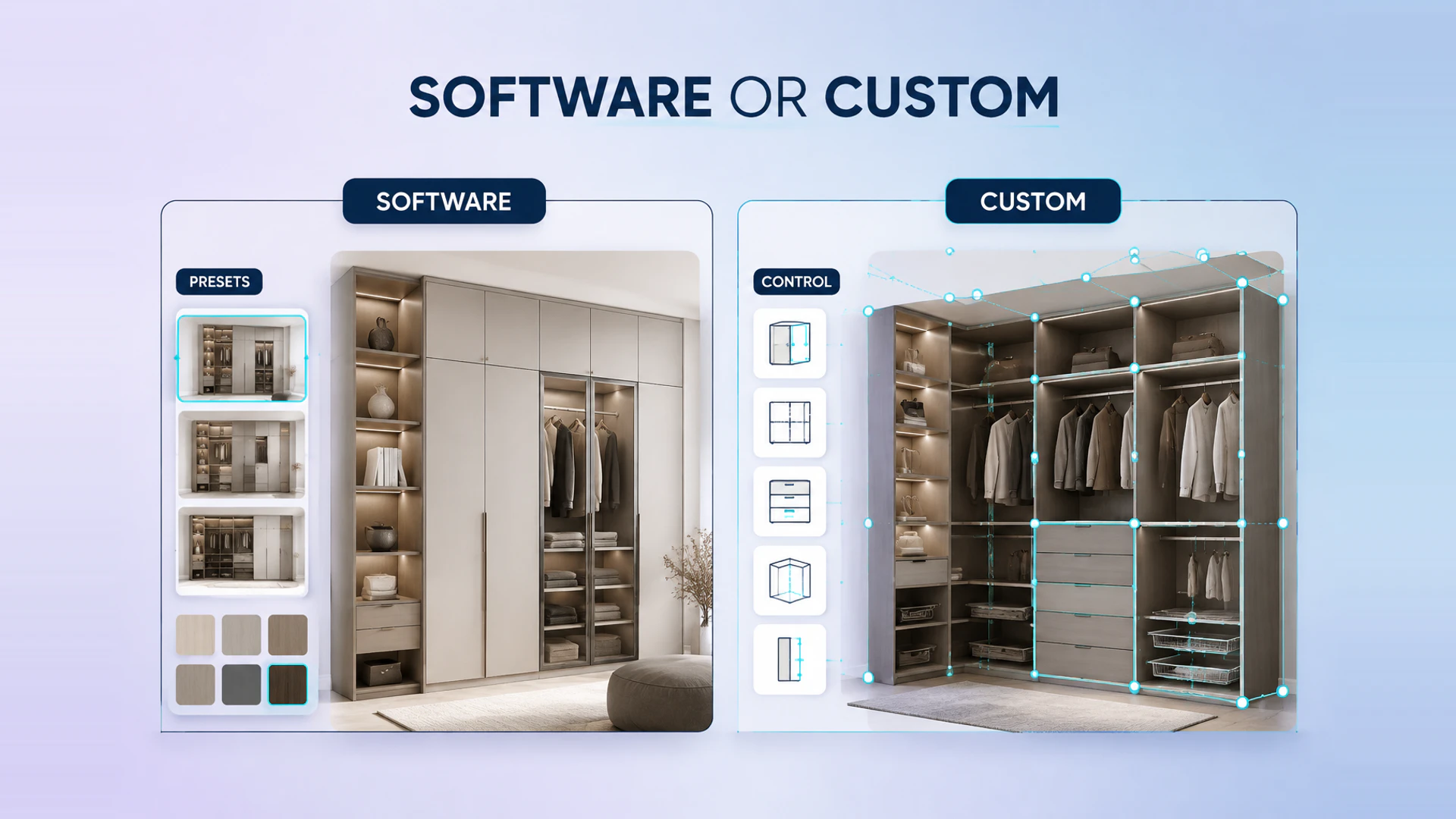
A furniture configurator is not automatically a software purchase. The right delivery model depends on whether your products, sales flow, and brand experience can fit a fixed template. Start with the broader 3D configurator software versus custom development comparison, then test the decision against one real furniture product.
When furniture configurator software is a practical choice
Software is worth evaluating when the catalog has a limited option set, product rules are stable, and the desired journey closely follows the platform's built-in flow. A standard sofa with a few fabrics and legs, for example, may only need variant selection, a basic visual preview, and checkout.
The advantages are a faster initial launch and a known feature set. The trade-off is that the product needs to adapt to the software model. Before choosing a platform, test whether it can represent actual SKU logic, price behavior, mobile interaction, and the exact information that a sales or operations team needs after a customer configures a product.
When custom development becomes the better fit
Custom development is appropriate when the online experience must reflect your real furniture system rather than a generic option picker. Common signals include modular combinations, dependent dimensions, different materials by component, dealer quotation, room planning, and a branded product page that cannot be separated from the configurator.
A custom build can also define a clearer boundary between the visual state, product data, price calculation, CRM, and Shopify. This matters when an attractive 3D result must map to a valid order or a sales-ready configuration summary.
Compare the total decision, not just the first build cost
The useful comparison is not software fee versus development fee alone. Include implementation effort, model preparation, product-data maintenance, integration limits, conversion impact, and the cost of working around a platform when the catalog changes. A cheaper initial tool can become expensive if it forces manual correction for every quotation or cannot explain a complex modular product. The 3D configurator project cost guide provides a useful scope checklist for this comparison.
Compare product data ownership and maintenance
Ask who owns the option catalog, compatibility rules, materials, prices, and configuration history. A furniture brand should be able to update a discontinued fabric, add a new module, or change a price without rebuilding the entire experience. If every catalog change requires developer support, include that operating cost in the comparison.
Also check how the system handles product versions. A sofa collection may share a fabric library while using different modules, dimensions, and price rules. A useful configurator keeps shared data reusable but still allows each product family to enforce its own valid combinations.
Questions to ask in a software demo
Use a real product, not a simplified demonstration model. Ask the vendor to show a dependent option, an unavailable combination, a material change across several components, a configuration summary, and the final cart or quote record. Then test the same path on a phone.
The important question is not whether the demo can change a color. It is whether the selected result remains understandable and commercially valid after it leaves the visual interface. Request an example of the data sent to Shopify, a CRM, or a sales team, and ask how the configuration is recovered when a customer returns to it later.
Typical decision patterns
Standard software can be a sensible starting point for a small catalog with stable options and direct checkout. Custom development becomes more attractive for modular collections, component-level materials, room planning, dealer quotations, or multiple systems that must share one configuration result. A phased approach is also possible: begin with one product family, prove the data model and conversion path, then extend to the wider catalog.
An early discovery workshop can answer this before any platform commitment. Review one representative product, a complete customer journey, and one real sales handoff. This keeps the choice grounded in operational fit rather than a feature checklist.
A decision checklist
Ask four questions before committing:
Can the platform represent valid combinations and exclusions without manual fixes?
Does the customer need a purchase flow, a dealer quote, or both?
Can your team maintain the product and price data in the proposed setup?
Does the customer-facing experience need to be recognizably your brand?
Who can update products, prices, and rules after launch?
Can the configuration be saved, shared, quoted, and recovered later?
For the wider product and delivery considerations, review the furniture 3D configurator solution, the modular furniture configurator guide, and the Garage Base furniture configuration case. When you have product data and a target sales flow, request a project review.
Ready to turn these principles into a project plan?
We can review your product structure, option logic, and target market to define a practical delivery scope and launch priority.