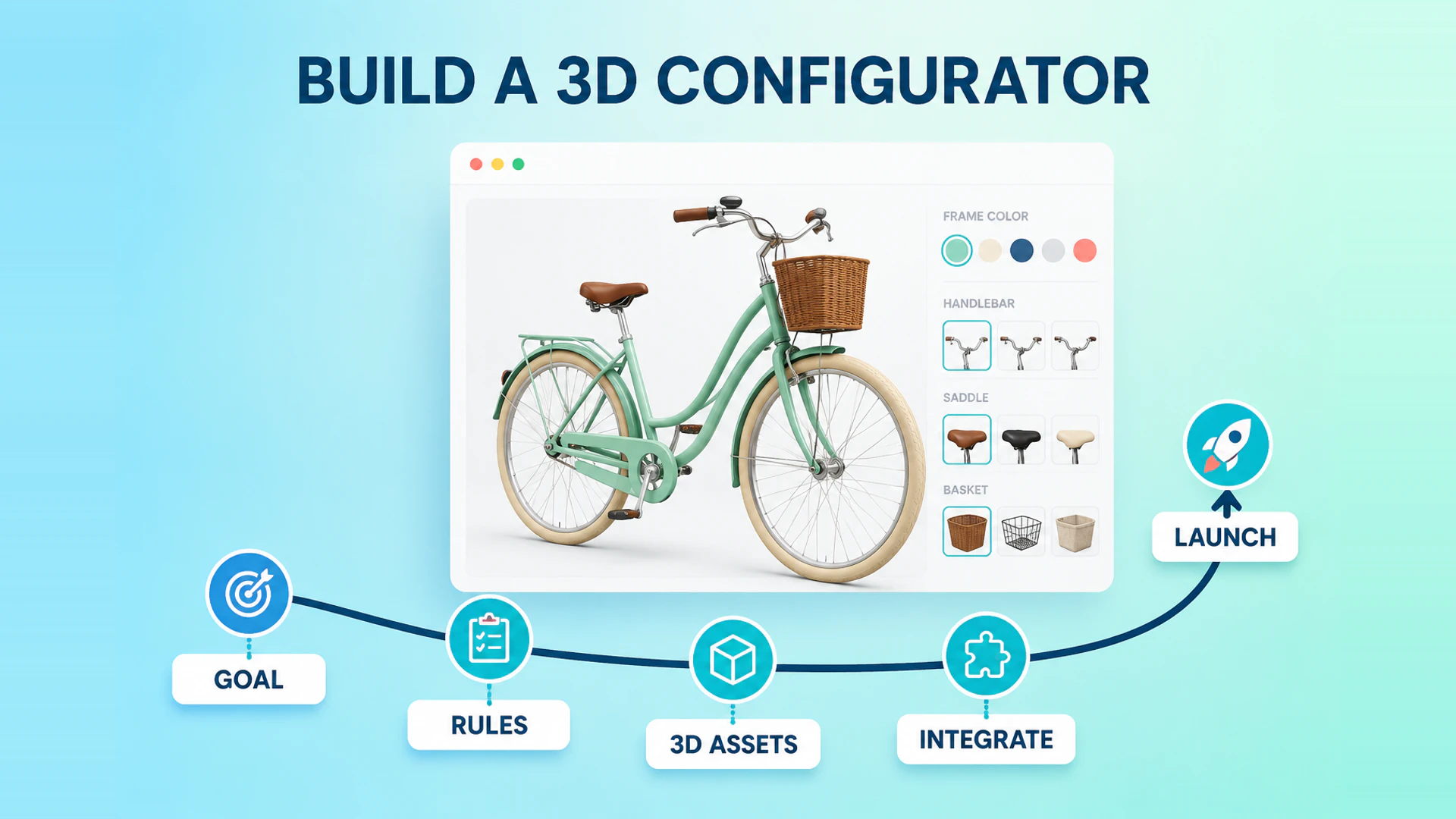
Building a 3D product configurator starts with the commercial decision the customer should be able to make. The 3D model is one part of the delivery, not the project definition.
1. Define the outcome and target user
State whether the experience should create a qualified inquiry, a dealer-ready proposal, a sales quote, or an e-commerce order. Then define who uses it and what they must understand before moving forward. A consumer purchasing a product, a dealer planning a solution, and an engineer selecting equipment need different flows.
2. Turn product knowledge into structured rules
List components, options, dependencies, exclusions, defaults, prices, and outputs. This is the source of truth for both the UI and the 3D state. If a product manager cannot explain why an option is valid, a configurator cannot safely automate it. This rule review also helps decide whether configurator software or custom development is the more realistic delivery model.
3. Prepare assets for the web
Source models, materials, camera views, and product copy from the real catalog. Optimize model geometry and textures for the target devices, but preserve visible differences that affect a decision. Create an asset review process so visual changes remain tied to product data.
4. Design the user flow and systems boundary
Choose the order of choices, feedback for unavailable options, result summary, and the next action. Separately decide which system owns catalog data, price, inventory, CRM leads, quotes, and orders. A configurator should not silently become the source of truth for data another system owns.
5. Validate edge cases before launch
Test valid and invalid rules, browser and mobile performance, analytics events, accessibility, summary accuracy, and all downstream handoffs. Acceptance criteria should cover the sales result as well as visual rendering.
6. Build a minimum viable configuration path
Start with one product family and the decisions that matter most to the target customer. A useful first release can contain a limited set of materials, sizes, and components, provided that the rules are accurate and the result can move into inquiry, quotation, or checkout. This is usually more valuable than launching a wide catalog with incomplete data.
Use the first release to validate four things: customers understand the choices, the 3D result reflects the selected state, the business can maintain the data, and the next sales action receives a reliable configuration summary. Expand the catalog only after these foundations work.
Plan the delivery team and source material
The project normally needs input from product, sales, marketing, 3D or design, and the team responsible for commerce or CRM integration. Prepare a product option spreadsheet, rule examples, price behavior, model files, texture references, brand assets, target devices, and acceptance contacts before development begins.
The most useful source material is not a large folder of unlabelled models. It is a versioned product library with clear names, component relationships, available finishes, and an owner who can approve changes.
Measure the launch beyond page views
Track configurator starts, completion rate, option changes, saved or shared configurations, quote requests, cart additions, and submitted inquiries. Segment these events by device and product family. A high number of starts with few completed configurations may indicate unclear rules or slow loading; a high completion rate with few inquiries may indicate a weak next action or poor result summary.
Common mistakes to avoid
Do not begin with visual polish before the product rules are agreed. Do not treat a 3D viewer as a configurator when the business needs valid combinations and structured output. Do not leave system ownership unclear, and do not postpone mobile performance or analytics until after launch. These decisions affect scope and should be made during discovery.
A practical project sequence
An effective sequence is discovery, product-data mapping, prototype, implementation, integration, acceptance testing, and launch review. During discovery, agree on the buyer, business outcome, product family, and system owners. During the prototype, validate the most difficult rule and the core interaction before producing the full content library. This exposes high-risk assumptions when they are still inexpensive to change.
Implementation should then use approved rules and assets instead of redefining the product inside the frontend. Integration comes after the configuration result is stable: connect the summary to cart, quotation, CRM, or operations only when the selected data can be trusted. At launch review, confirm both customer-facing behavior and the information received by the business.
What a useful acceptance checklist includes
Ask product owners to approve the option names, valid and invalid combinations, visual states, price or quote status, result summary, and data passed downstream. Ask sales to approve the quality of a submitted lead or quote request. Ask marketing to approve the page copy, analytics events, and primary CTA. Testing each of these perspectives prevents a technically correct configurator from failing at the handoff.
Keep a short change process after launch. New materials, modules, and rules should have an owner, a test case, and a release record. This protects the customer experience as the catalog evolves.
For implementation detail, see what to prepare before a configurator, the 3D configurator features, and the CYCLONE configuration case. To define a delivery roadmap, request a project review.
Ready to turn these principles into a project plan?
We can review your product structure, option logic, and target market to define a practical delivery scope and launch priority.